· Fly Transfer Mallorca · Guides · 4 min read
WhatsApp on transfer day at PMI: support and what to do if you don’t see the driver
How we coordinate your pickup via WhatsApp at PMI: connectivity, Meeting Point (Arrivals), and what to do if you cannot locate your driver within 2 minutes.
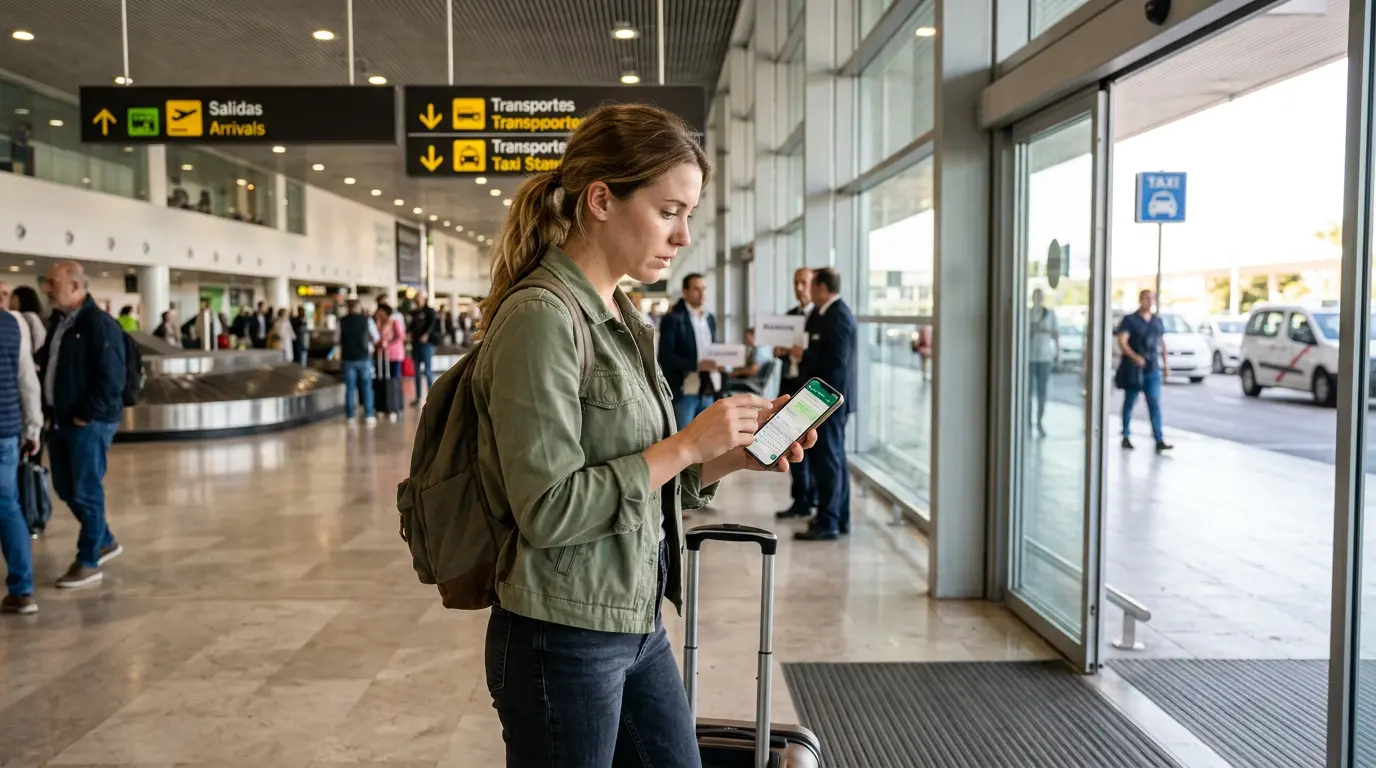
Quick answer: On the day of the transfer, you aren’t going in blind: you coordinate via WhatsApp and we confirm the meeting point at Arrivals (PMI). If your flight is delayed or anything changes, we resolve it instantly.
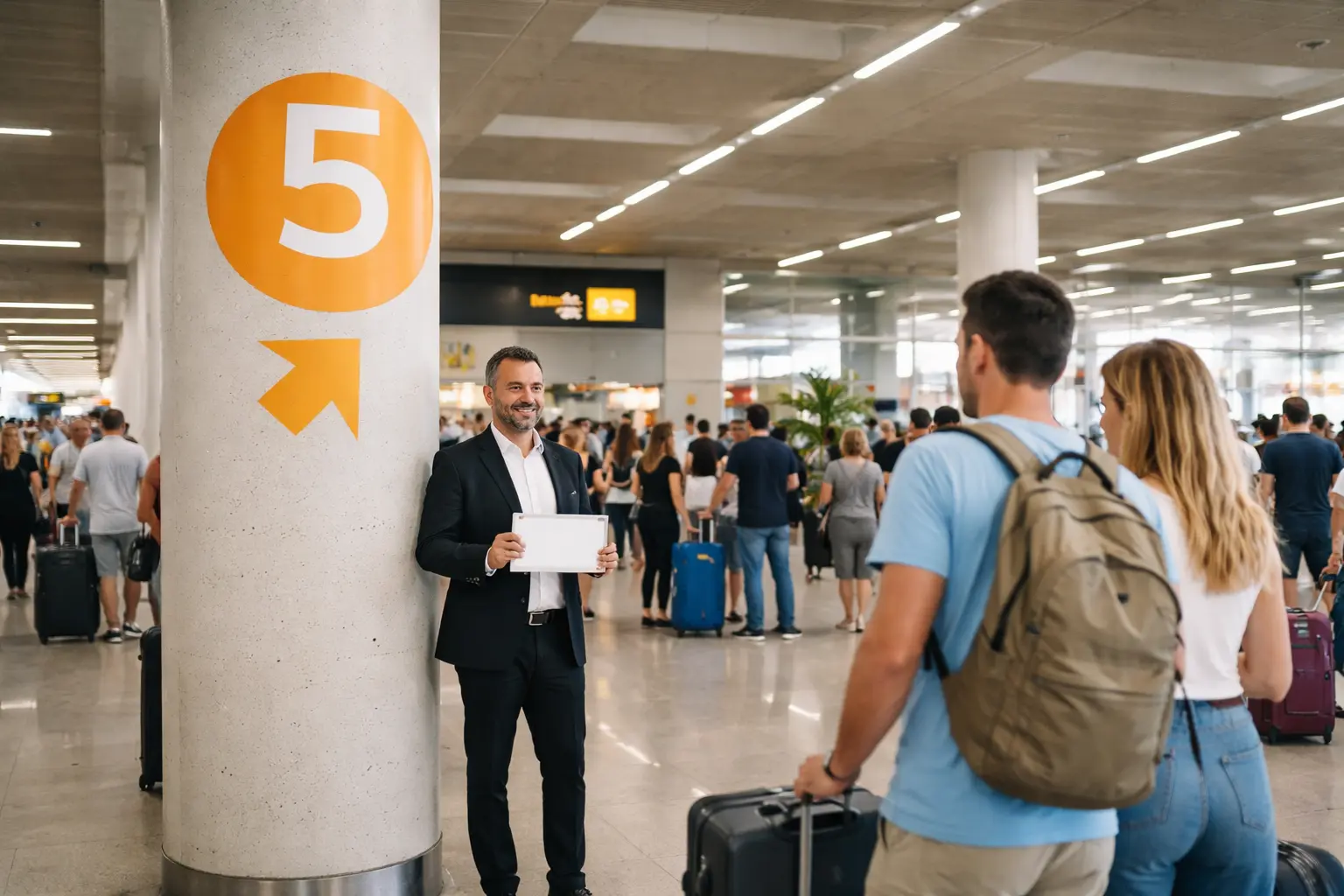
Short messages win here. Literally: “I am at the Meeting Point, Column 5. I am Marta. Booking 1234”. And that’s it.
The success of a transfer at Palma Airport (PMI) doesn’t just depend on the car or the driver: it depends on you finding each other without wasting time. Between suitcases, children, and people everywhere, the only thing you need is a clear plan.
At Fly Transfer Mallorca, we make it simple: direct support and concrete steps from the moment you land until you head to your hotel.
Before landing: WhatsApp ready + booking at hand
If anything happens, we resolve it in minutes: we guide you to the Meeting Point (Arrivals) and coordinate with you without queues or confusion.
Name + booking · Meeting Point (Arrivals) · Fast response
✅ Fast communication protocol (no hassle)
- Confirmation email: your master document. Save it in favorites or take a screenshot: it contains your booking number and contact details.
- WhatsApp is the main channel: fast, allows sending photos/location, and avoids misunderstandings.
- Operational mobile: correct number, battery, and data/roaming active (or airport Wi-Fi).
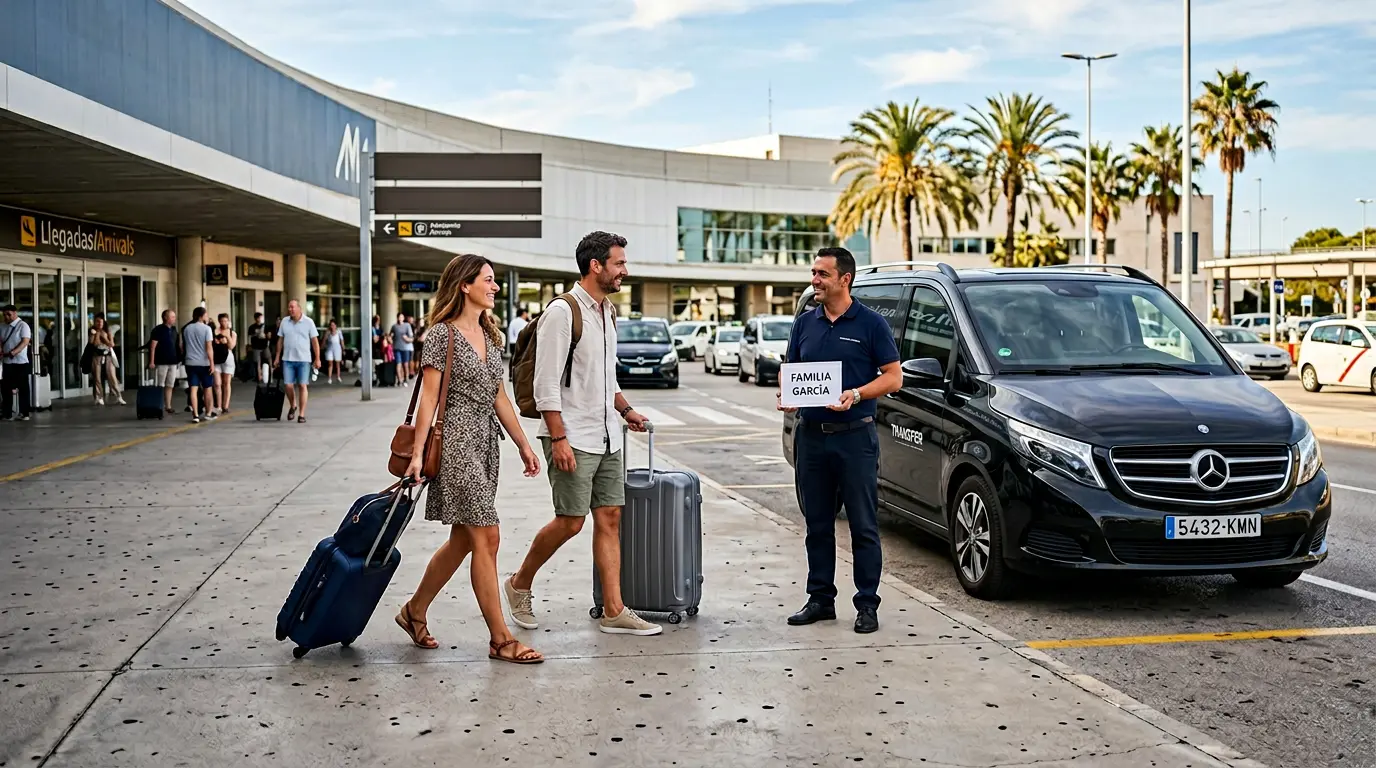
If you are booking for someone else, use their name (the passenger’s) for the sign at Arrivals and for the messages.
🛫 Upon landing: the first 10 minutes
- Turn off airplane mode.
- If you don’t have data, connect to the free Wi-Fi (Airport Free Wifi Aena).
- Check WhatsApp: there might already be a coordination message.
- Go straight to the Meeting Point (Arrivals): avoid stopping at shops/cafes before locating the driver.
Exact guide to the point: Meeting Point at PMI (usual reference: Column 5) .
🆘 If you don’t see the driver: what to do (in order)
The Arrivals Hall at PMI is sometimes packed. No problem: follow this order and we will resolve it quickly.
1) Stay at the Meeting Point
Do not go to the parking, taxis, or outside. If you change zones, it is easy to cross paths and miss each other.
2) WhatsApp (short message)
Send us: “Hi, I am [Name], booking [No.]. I am at the Meeting Point (Column 5) and I don’t see the sign.”
3) If there is no response in 2 minutes: call
Sometimes the driver is just a few meters away but a group is blocking the view. A call fixes it instantly.
Golden rule: do not leave the terminal to look for a taxi “just in case” without talking to us first.
Can't see the driver? We locate you in 1 minute
Stay at the Meeting Point (Arrivals) and write to us: with your name + booking we will guide you step by step.
- - 1) Do not move from the Meeting Point
- - 2) WhatsApp with name + booking no.
- - 3) If no response in 2 min: call
Important: do not leave the terminal without talking to us first.
🏨 Hotel pickup: simple synchronization
For the return to the airport :
- 5 minutes before: it is better to be ready at reception/agreed point.
- Arrival notice: if there is a pedestrian street or traffic, we will write to you via WhatsApp with the exact point.
- Check-out delay? let us know. A notified driver can adjust; without news, they must continue their route.
🧠 Pro tips (if you come from abroad / without data)
- Roaming: if you travel from outside the EU (UK, Switzerland, etc.), make sure you have data or Wi-Fi. Without internet, WhatsApp won’t work.
- Battery: GPS and network searching consume power. Arrive with a charged phone (or carry a power bank).
- Flight change: if the flight number changes, let us know so the tracking works. Changes and cancellations .
❓ Frequently Asked Questions: support and WhatsApp at PMI
Do you have 24-hour support?
We monitor the active services of the day. If you have a transfer at 04:00, someone will be attentive to your arrival/pickup.
Can I use WhatsApp to request an invoice?
Yes, but it is better by email after the service so that administration can send it to you correctly.
Does the driver speak my language?
Drivers speak Spanish and basic English for coordination. For more complex issues, the central support via WhatsApp helps you (and translates if necessary).
What if I don’t have internet upon landing?
Connect to the airport Wi-Fi (Airport Free Wifi Aena). If it doesn’t work, use the phone number from the confirmation email.
📲 If you are going to these destinations, WhatsApp saves you trouble
On long routes or with large hotels, coordinating by message makes everything smoother (and avoids misunderstandings upon arrival).
✅ Closing: we are just a message away
The difference between a stressful transfer and a perfect one is knowing there is a team behind you and a clear plan. Save the contact and, if anything happens, WhatsApp + Meeting Point.
Travel with peace of mind: real support on transfer day
WhatsApp to coordinate at PMI, guide to the Meeting Point (Arrivals), and fast response if there is any unforeseen event.
WhatsApp · Meeting Point (Arrivals) · Stress-free coordination