· Fly Transfer Mallorca · PMI Guides · 3 min read
📲 Communication on transfer day: confirmation and WhatsApp
How to coordinate on transfer day: confirmation email, WhatsApp contact, where to wait, and what to do if you can’t see the sign. We track delays.
✅ Quick answer (the essentials)
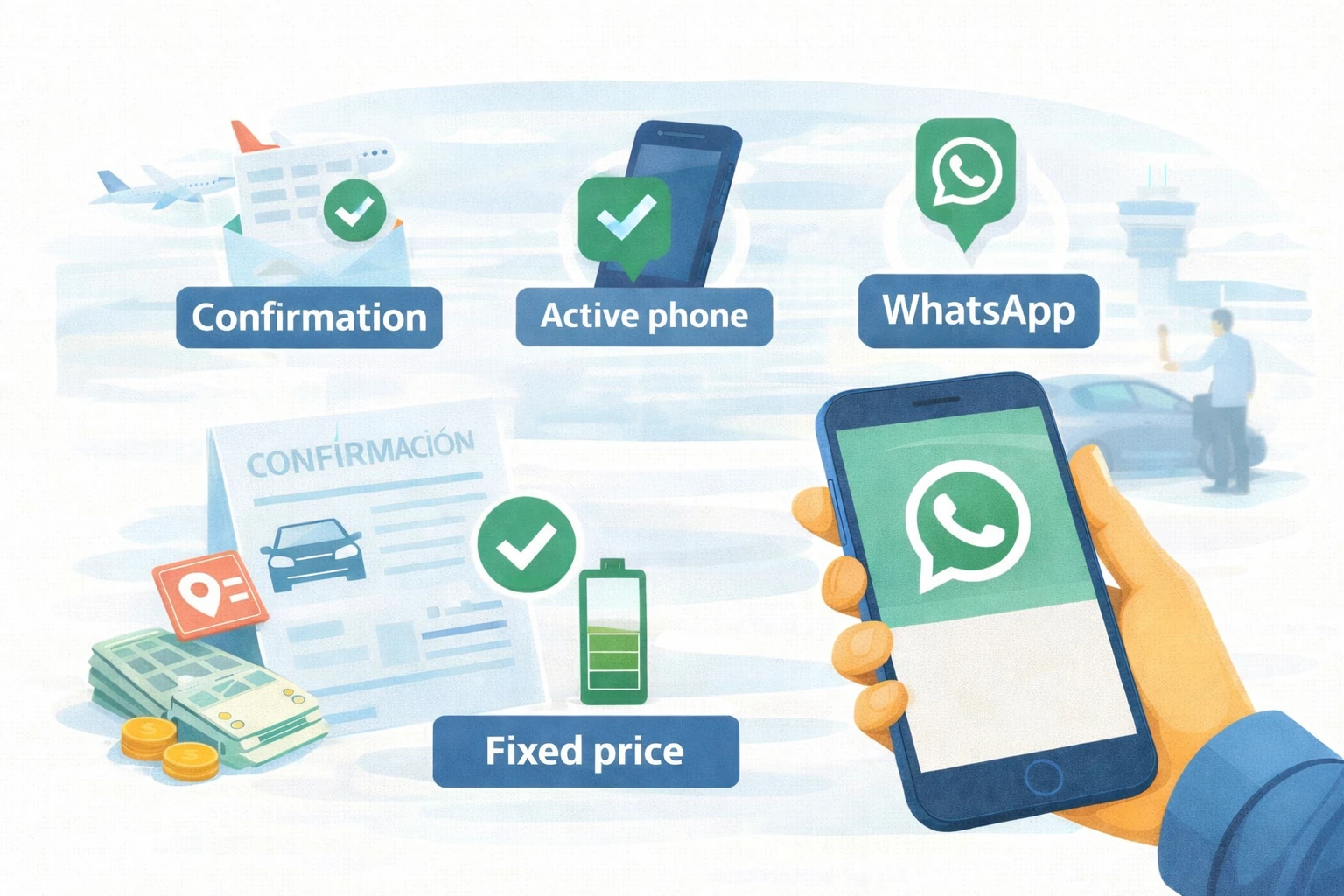
For a “premium” transfer with zero stress, you only need 3 things:
- 📧 Keep your confirmation email handy (it contains the key details).
- 📞 Have a reachable phone (battery + you can answer).
- 📲 WhatsApp recommended for fast coordination (and translation if needed).
🔗 Full service guide: How Fly Transfer Mallorca works (step by step)
📲 WhatsApp: open WhatsApp
📞 Phone: (+34) 644 11 70 79
📧 1) The confirmation email: your transfer “ticket”
Your confirmation email is the most important thing because it includes:
- 🧾 Booking details (date/time, route)
- ✈️ Flight (if applicable)
- 📍 Pickup point and destination
- 📞 Contacts to coordinate (phone / WhatsApp)
✅ Tip: star it / mark as important so you can open it in 2 seconds.
If you want to see where these details are entered during booking:
how to book your transfer (step by step)
📞 2) A reachable phone: what prevents 90% of issues
On transfer day, being able to coordinate in real time is what helps most.
Quick checklist:
- 🔋 Enough battery (or a power bank)
- 📶 Coverage / mobile data (or airport Wi-Fi)
- 🔔 Volume and notifications on
- 📴 Not in airplane mode when you need to coordinate
If your phone isn’t reachable, the driver may be in the correct place… but syncing up becomes harder.
📲 3) WhatsApp: why it’s the easiest option (especially for international travellers)
WhatsApp is ideal because:
- ⚡ Fast messages (no long calls)
- 📍 You can send a location pin or a photo if needed
- 🌍 With international travellers, you can use Google Translate to reply instantly
Perfect message template (copy/paste):
“Hi, I’m ____ (name). I’m now at ____. Flight ____ / Booking for today. I can’t see the sign. Can you tell me the exact spot?”
🛬 If you’re at Palma Airport (PMI) and can’t find the driver
Simple plan (don’t wander around):
- 👀 Stay at the Meeting Point (useful reference: Column 5).
- 📲 WhatsApp us with your name + flight number.
- 📞 If you don’t have internet, call by phone.
Important: avoid walking far away without telling us. If you change spot, do it coordinated.
🔗 Meeting Point step-by-step guide (PMI):
where your driver picks you up at Palma Airport
🏨 If it’s a hotel pickup and you don’t see the driver
The driver usually goes to:
- 🛎️ reception
- 🚪 or the main entrance (if that’s what was agreed)
If you don’t see them, send a simple WhatsApp:
“Hi, I’m at reception now. Booking at ____. I’m ____.”
🔗 Full guide for hotel pickup to PMI (recommended pickup time + exact meeting point):
hotel pickup to Palma Airport
🌐 What if I don’t have internet after landing?
Fast options:
- 🛜 Connect to the airport Wi-Fi
- 📞 Call by phone (always better than “searching on your own”)
✅ 30-second “before you go” checklist
- 📧 Confirmation email open or saved
- 📞 Phone charged and accessible
- 📲 WhatsApp ready (or alternative: phone call)
- 🧾 Know your booking name and flight number (if applicable)
❓ FAQ (frequently asked questions)
Is WhatsApp mandatory?
No, but it’s the easiest option. If you don’t use it, we can coordinate by call/SMS.
What information should I have ready?
Booking name, flight (if applicable), time, and pickup/destination.
What if my phone isn’t working?
Coordination becomes harder. If you can, use a second number or tell us in advance.
Can we coordinate in English?
Yes. WhatsApp makes it easy to translate quickly.
✅ Final note: easy coordination = stress-free transfer
If you have your confirmation email and a reachable phone, everything flows.
If something changes on the same day (flight/time/destination), see this:
changes and cancellations
📲 WhatsApp: open WhatsApp
📞 Phone: (+34) 644 11 70 79